A tiny Mac app, just for fun
A living wallpaper for your Mac.
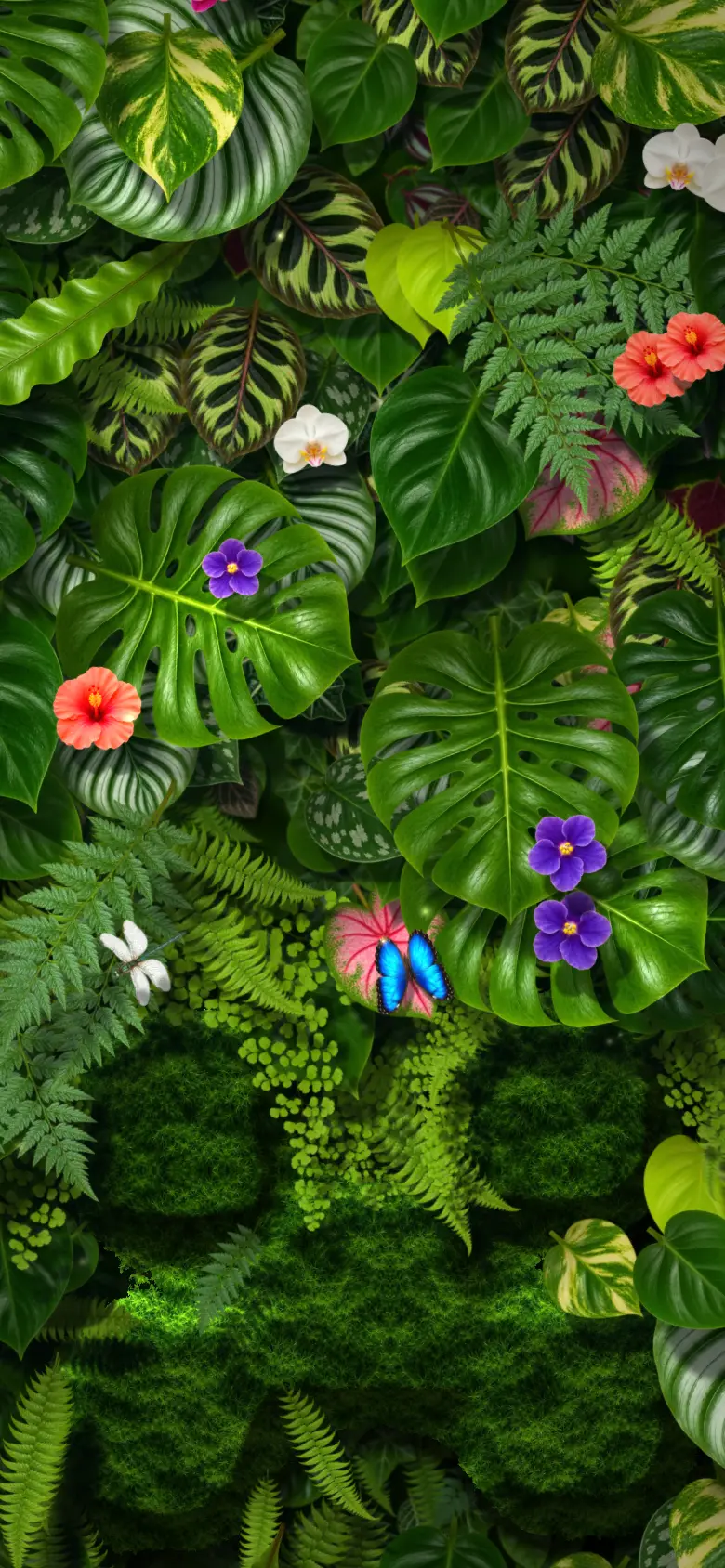
Living Wall is a live wallpaper for Mac: a plant wall, a beach or a meadow that quietly moves on your desktop. Turn on icon following and it grows around your real Finder icons. Drag one and its little island tags along, the leaves scoot aside, and a butterfly pretends not to notice.
This page is a desktop. Go on, drag something.
- Beach and Meadow free · Plant Wall $2.99
- macOS 13 or later
- No account, no permissions needed
- Icon following is optional
Two steps. The third one is optional.
- Open it. It lives in your menu bar, next to the clock. No Dock icon, no window to babysit.
- Enjoy it. The wall starts right away. No account, no permissions, nothing to set up.
- Optional: let it peek. The welcome window offers icon following. Click Turn on icon following, and macOS asks if Living Wall may control Finder. Click Allow. Living Wall uses it for one thing: asking Finder where your icons sit, like a gardener who knows where the rocks are. Then drag something. Finder still does all the real work. The wall just reacts, happily.
What's alive in there
- Little islands
Every icon gets its own little island. Park icons close and their islands hug. Pull one away and it stretches, then lets go. Pools, moss, felt and more: pick a look in the leaf menu.
- Shadows that sway
Leaves cast soft shadows that drift with a slow breeze. Calm, never busy.
- Winged visitors
Butterflies, a dragonfly and the odd ladybug drop by. Bigger screens get more visitors.
- Your call
Animation and Shadows switches live in the menu bar. Try the leaf up there — it also has some early island looks to play with.
Three walls. Two are free. Pick one.
Tap one and this whole page changes behind you. Your icons stay put. Each wall reacts to them in its own way. Beach and Meadow are free. Plant Wall is $2.99, one time.
- Plant Wall · $2.99Little pools, leaves that scoot aside, winged visitors. More about Plant Wall
- Beach · FreeYour icons become sandy islands. Waves roll in, palms sway, kayaks paddle past. More about Beach
- Meadow · FreeYour icons ride on clouds over a painted meadow. A kid with a kite. A cat. More about Meadow
More walls are growing.
The privacy bit, kept short
- It needs no permissions. With icon following on, it sees where your icons are. Not their names, not what's inside.
- No account. The app has no analytics and no trackers.
- This site sets no cookies and shows no ads. It counts visits anonymously.
- Finder stays in charge of every click, drag and drop.
Free to download.
- Open LivingWall.dmg from your Downloads.
- Drag Living Wall into Applications.
- Open it from Applications. Look for the leaf in your menu bar.
macOS 13 or later · No permissions needed · Works on every display
Beach and Meadow are free. Plant Wall is $2.99, one time. Licenses and credits
Questions, answered quickly
Does it need any permissions?
No. The wallpaper runs with no permissions at all. Icon following is optional. If you turn it on, macOS asks if Living Wall may control Finder. That is how an app asks Finder where the desktop icons are. Living Wall asks only for their positions. No names, no contents, and it never clicks anything for you.
Is it free?
The app, Beach and Meadow are free. Plant Wall is $2.99, one time. No subscription.
Will it eat my battery?
It's built to idle gently: about 30 frames a second when calm, 60 only while you drag, and it rests when it's hidden or when Animation is off.
My icons keep snapping back. Why?
Finder is tidying them. Right-click the desktop, choose Sort By → None, and turn off Use Stacks.
Spaces? More than one display?
Yes. Each display gets its own wallpaper, or keeps your normal macOS picture: choose System Wallpaper for it. A wallpaper shows on every Space of its display. To show it only on some Spaces, turn on Choose Wallpaper per Space in the menu. Other Spaces then keep your macOS picture. macOS gives apps no lasting name for a Space, so these picks last until Living Wall quits or updates. After that, only the Space you are on gets the wallpaper back.
What happens when I quit?
Your normal wallpaper comes back. Nothing on your desktop moves.
How do I get rid of it?
Quit it from the leaf in the menu bar and drop the app in the Trash. Hid the leaf? Open Living Wall again from Applications, and Settings comes back. If you turned on icon following, you can switch off its access in System Settings → Privacy & Security → Automation: turn off Finder under Living Wall.
Is it open source?
The app and Plant Wall are not. The free Beach and Meadow themes are adapted from the open-source Deskland project, and their source is public under GPL-3.0. Licenses and credits.
Windows? iPhone?
Nope, Mac only. But this page works anywhere, so drag away.